What it shows
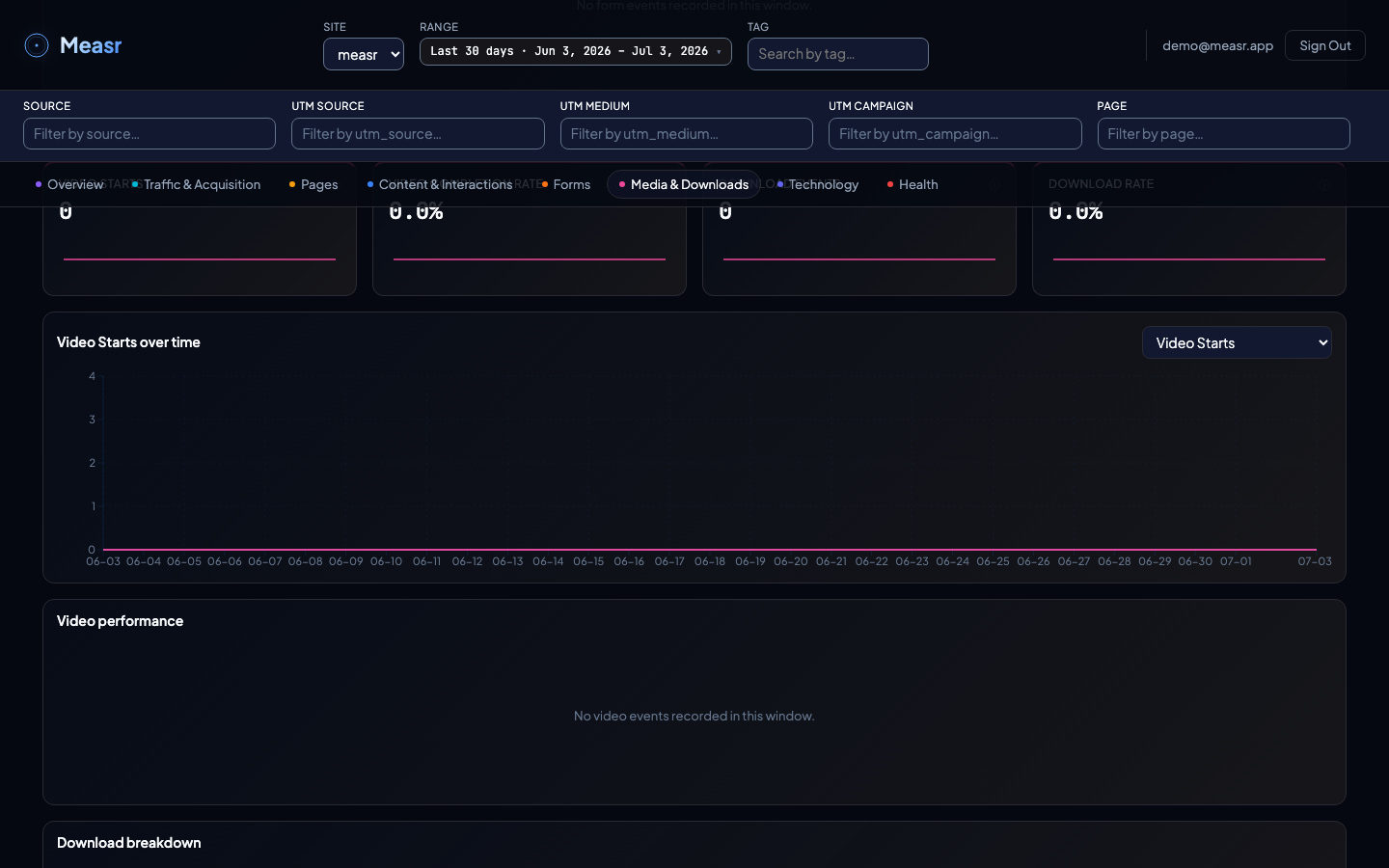
Four KPIs (Video Starts, Video Completion Rate, Download Events, Download Session Rate), a Media events over time trend, the Video performance table, and the Download breakdown table. Since v1.6.0 a fourth table, Download origins, groups downloads by the page a tracked link was posted on.
What the numbers mean
| Metric / column | Definition |
|---|---|
| Video Starts | Times a video was started (fires on each play). |
| 25% / 50% / 75% / 90% | Sessions that watched at least that share of this video. |
| Completes / Completion % | A video counts as completed at the 90% milestone; the rate is completes divided by starts. |
| Download Events | Total file downloads. |
| File / Type | Downloads grouped per file, with the file extension. |
| Session Rate | % of all sessions in the window that started this video, or downloaded this file. |
| Origin page / Source (Download origins) | The page a tracked link was posted on and its declared channel; (none) collects the downloads the snippet records on your own site. See tracked links. |
How the filters apply
The section respects the global filters, and both tables are clickable: select a video or a file to narrow the section; click again to clear.
Filters apply here too (v1.4.3): the Video performance table narrows under the global dimension filters like every other table — the per-video data is scoped server-side, so the milestones and completion rate reflect only sessions matching the active filter set.
Download origins is not click-filterable (v1.6.0): the table follows the global filters like the others, but selecting a row does not narrow the section in this release.
How to implement it
Downloads are automatic: links ending in .pdf, .csv, .xlsx, .zip, .mp4, and a dozen more fire a download event, and data-measr-download-name reports a friendly name instead of the raw path. Video is manual, because every player has its own events:
Measr.trackVideo(videoName, milestone, videoSeconds);
// milestone: '0%', '25%', '50%', '75%', '90%', '100%'
Ready-to-paste reference implementations for HTML5 <video>, the YouTube iframe API, and Vimeo Player.js are linked from tracking modules.