What it shows
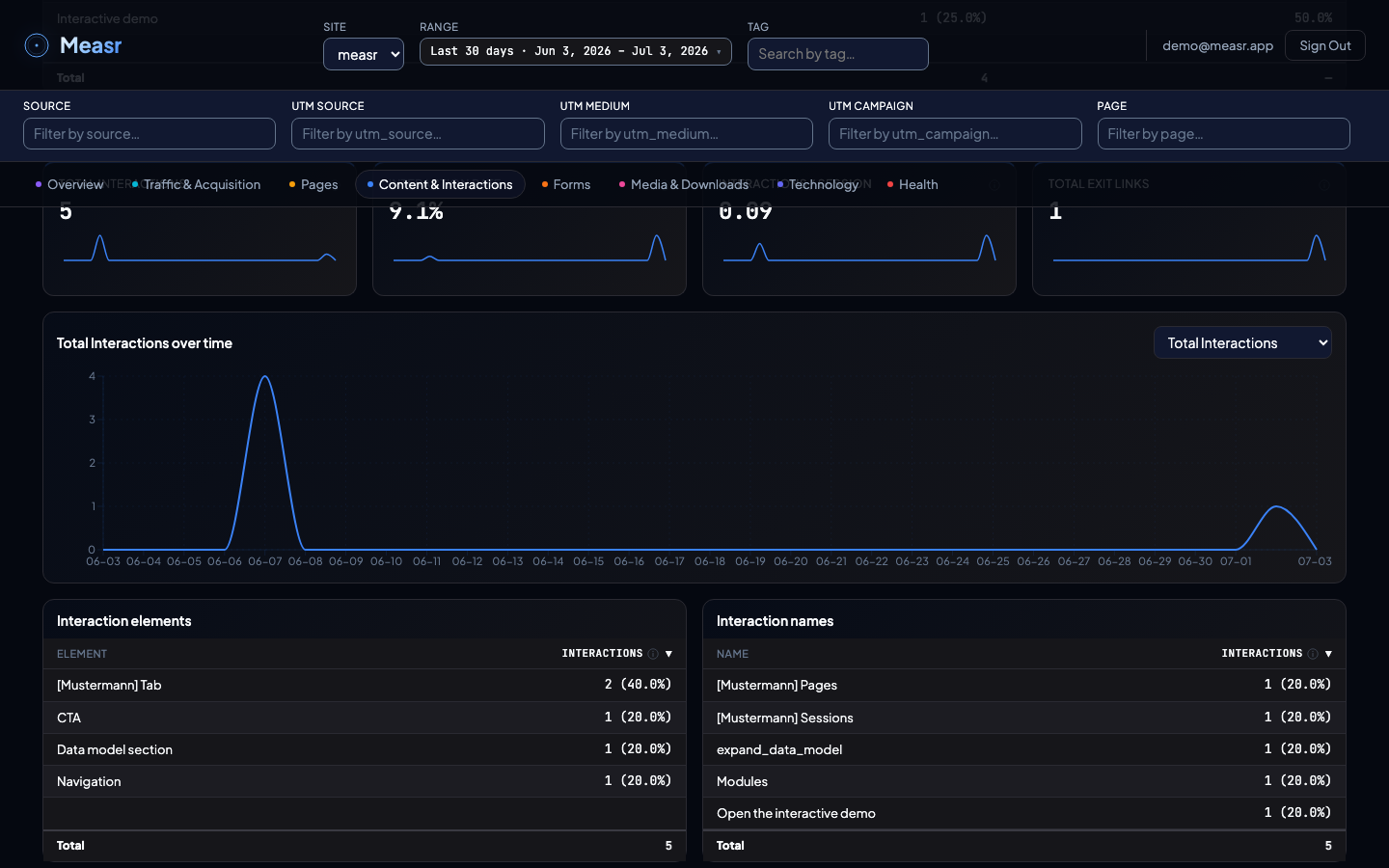
Four KPIs (Total Interactions, Interaction Session Rate, Interactions per Session, Exit Link Clicks), an Interactions vs exits over time trend, and five tables: Interaction elements, Interaction names, Exit links, Navigation types, and Navigation values.
What the numbers mean
| Metric / table | Definition |
|---|---|
| Total Interactions | Clicks on elements like CTAs, accordions, toggles: counted across all sessions. |
| Interaction Session Rate | % of sessions with at least one interaction. |
| Interactions per Session | Average number of interactions per session. |
| Exit Link Clicks | Total clicks on links leaving your site. |
| Interaction elements / names | Interactions grouped by the element type and by the derived (or overridden) interaction name. |
| Exit links | Outbound clicks with the destination shown as origin + path (query string and fragment are stripped in the browser before anything is stored). |
| Navigation types / values | Internal navigation clicks split by surface (main navigation, footer, breadcrumb) and by the clicked value. |
Navigation clicks also count as interactions: every navigation click fires a companion interaction event, so nav engagement is part of the interaction metrics.
How the filters apply
The section respects the global filters, and the interaction and exit-link tables are clickable: select a row to narrow the section to that element or link; click again to clear. Clicking a row in Navigation types is a narrower drill-down: it rebuilds the Navigation values table for that surface, while the KPIs, trend, and other tables stay at the full window.
How to implement it
Interactions, navigation, and exit links are automatic modules: a delegated click listener catches buttons, accordions, and tab elements; the navigation module recognizes <nav> containers and classifies each click by surface; exit links fire for http(s) links to a different hostname (mailto:, tel:, and javascript: links don't count), and download links take priority: if the extension matches the download list, the click counts as a download instead. Fine-tune with data attributes: data-measr-ignore skips an element entirely, data-measr-name overrides the derived name, data-measr-interaction force-tracks an element the heuristics would miss. Full reference in tracking modules.