How it works
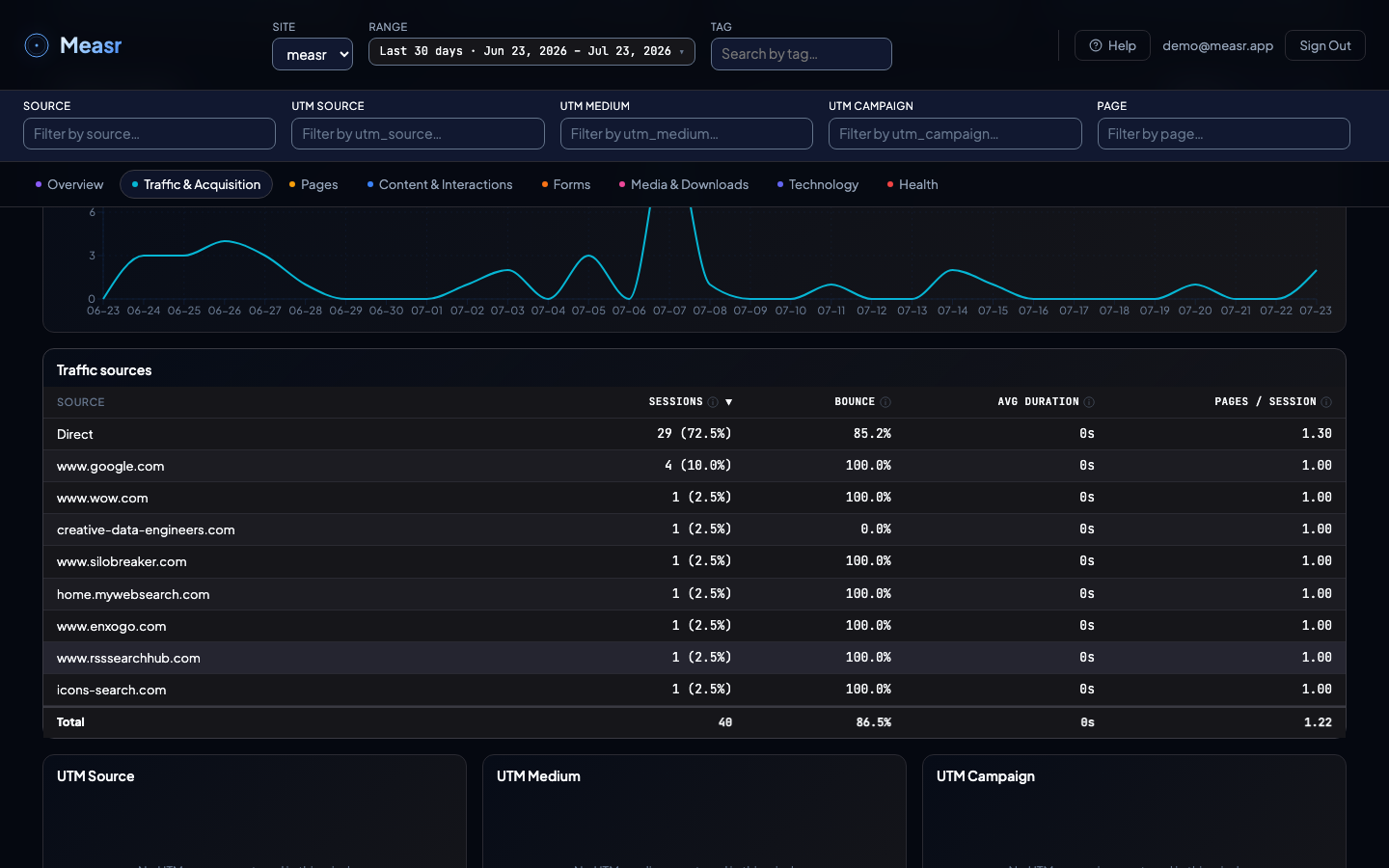
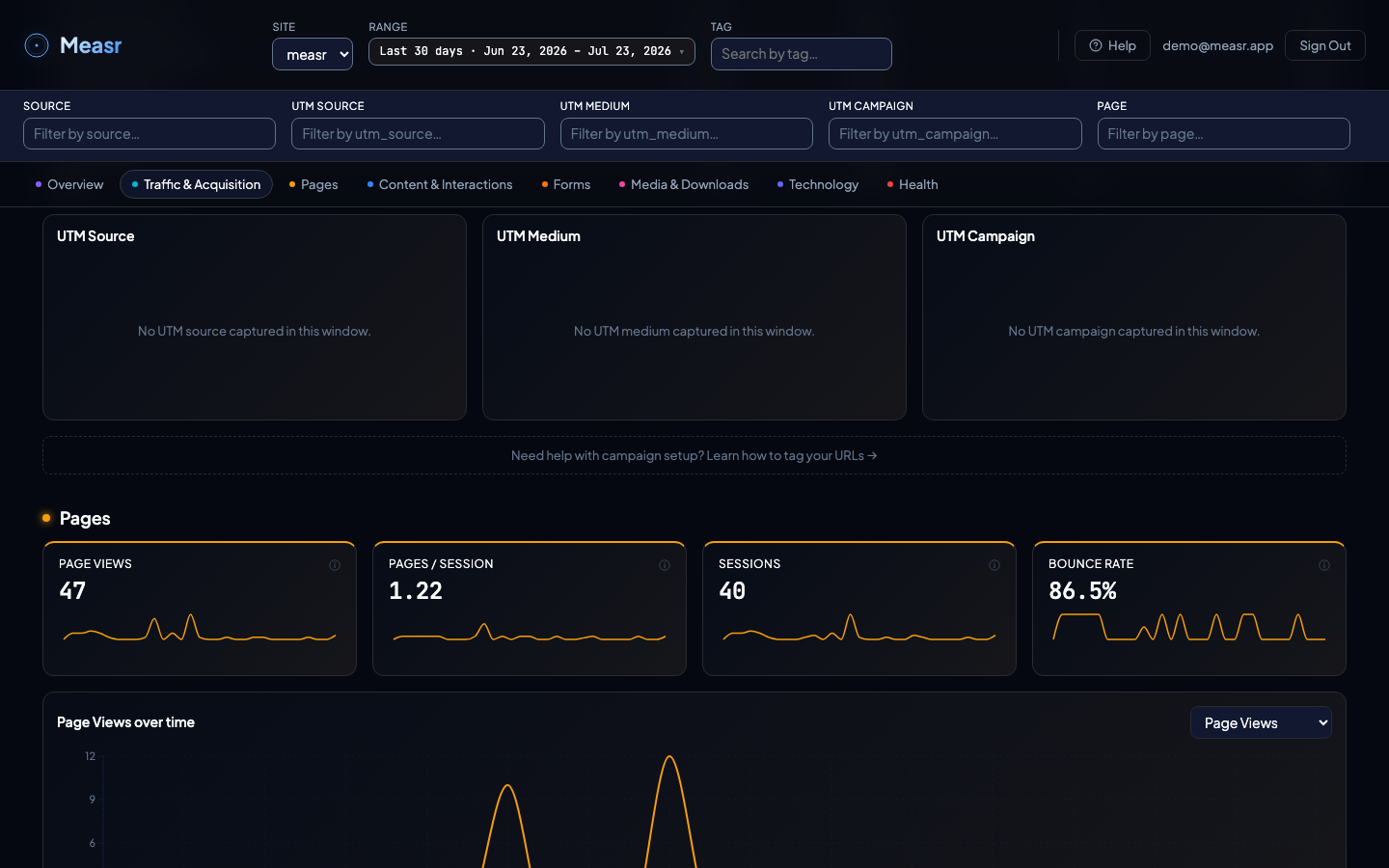
When a visitor lands on your site with UTM parameters in the URL, Measr stores utm_source, utm_medium, utm_campaign, and utm_content — and only those four — on the first page view of that session. Every other query parameter is dropped in the browser before anything is transmitted. The dashboard displays each of the four as a breakdown table:
| Parameter | Dashboard table | What it answers |
|---|---|---|
utm_source | UTM Source | Where did the visitor come from? (google, linkedin, newsletter) |
utm_medium | UTM Medium | What type of traffic? (cpc, email, social, referral) |
utm_campaign | UTM Campaign | Which campaign? (spring-sale, product-launch, weekly-digest) |
utm_content | UTM Content | Which variant or placement within the campaign? (lesson-3, ad-a, footer-cta) — added in v1.4.0 |
For downloads that happen away from your site, see tracked links.
Tagging your URLs
Add UTM parameters to any link that points to your site. The standard format:
https://yoursite.com/page?utm_source=SOURCE&utm_medium=MEDIUM&utm_campaign=CAMPAIGNTypical values per channel:
# Google Ads
https://yoursite.com/?utm_source=google&utm_medium=cpc&utm_campaign=brand-awareness

# Newsletter
https://yoursite.com/new-feature?utm_source=mailchimp&utm_medium=email&utm_campaign=april-newsletter

# LinkedIn post
https://yoursite.com/?utm_source=linkedin&utm_medium=social&utm_campaign=product-launch

# Partner referral
https://yoursite.com/?utm_source=partnerblog&utm_medium=referral&utm_campaign=guest-post
Build tagged URLs with Trakr
Hand-writing UTM parameters works, but it is where typos, mixed case, and inconsistent names creep in. Trakr is a free campaign URL builder from Creative Data Engineers, the team behind Measr. You define your naming rules once, and every URL your team builds follows them. Trakr also keeps a history of the links it generates, so the campaign names in your Measr tables match the links you actually shipped.
Why this matters for your dashboard: the UTM tables group by exact value. A team that builds links by hand produces spring-sale, Spring-Sale, and spring_sale as three separate rows. A team that builds links through one rule set produces one row per campaign.
Build tagged URLs with Trakr →
Reusing existing campaign links
If you already tag URLs for Google Analytics (GA4), those same links work with Measr. The UTM parameter standard is universal: Measr reads the same parameters GA4 does. No changes to your existing links, ad platforms, or email tools required.
What happens to utm_term
Measr does not store it. Capture is limited to exactly the four keys the dashboard reports — utm_source, utm_medium, utm_campaign, utm_content — so nothing sits in your database that no report reads. utm_term is also where campaign tools tend to put per-recipient values, which is a second reason to drop it. If a future release adds a breakdown for it, capture will be widened in the same release.
A note on utm_content values. Since v1.4.0, utm_content is stored verbatim like the other three keys. Use it for per-variant values (lesson-3, ad-a, footer-cta) — never for per-recipient identifiers such as an email address or a subscriber ID. Anything you put in a captured UTM key lands in your database as-is.
Sessions without UTM parameters
Visitors who arrive without UTM parameters are attributed by referrer:
- Direct: no referrer (typed URL, bookmark, or app link)
- Referrer domain: the referring website's hostname (e.g.
google.com,twitter.com,partnerblog.com)
The Traffic & Acquisition section shows both the referrer sources table and the UTM breakdown tables. Use referrers for organic traffic attribution and UTM parameters for campaign-tagged traffic.
Naming conventions
Measr stores UTM values exactly as they appear in the URL. Use consistent, lowercase naming to keep your dashboard tables clean:
| Do | Don't |
|---|---|
utm_source=google | utm_source=Google |
utm_medium=cpc | utm_medium=CPC or utm_medium=paid-search |
utm_campaign=spring-sale | utm_campaign=Spring Sale 2026 |
Spaces, mixed case, and inconsistent naming create duplicate rows in your breakdown tables. Pick a convention and stick to it.
Frequently asked
Do my existing GA4 campaign links work with Measr?
utm_source, utm_medium, utm_campaign, and utm_content parameters GA4 does. No changes to your links, ad platforms, or email tools required.Which UTM parameters does the dashboard show?
utm_source, utm_medium, utm_campaign, and utm_content as four tables. Those four keys are also the only query parameters Measr stores — everything else, including utm_term, is dropped in the browser. If a future release adds breakdowns for more keys, capture will be widened in the same release.How are visitors without UTM parameters attributed?
Why do I see duplicate rows like google and Google?
google and Google are two different rows. Use consistent lowercase naming, or use a URL builder like Trakr that enforces one convention across your team.